Every terminal app ends up drawing the same things: a status bar, a table with a cursor, a confirm dialog, a toast. In Tuimark each of those is a few lines of markup, but writing them well every time (the focus states, the light theme, the narrow terminal) is still work. The kit is that work done once, in the open, for you to copy.
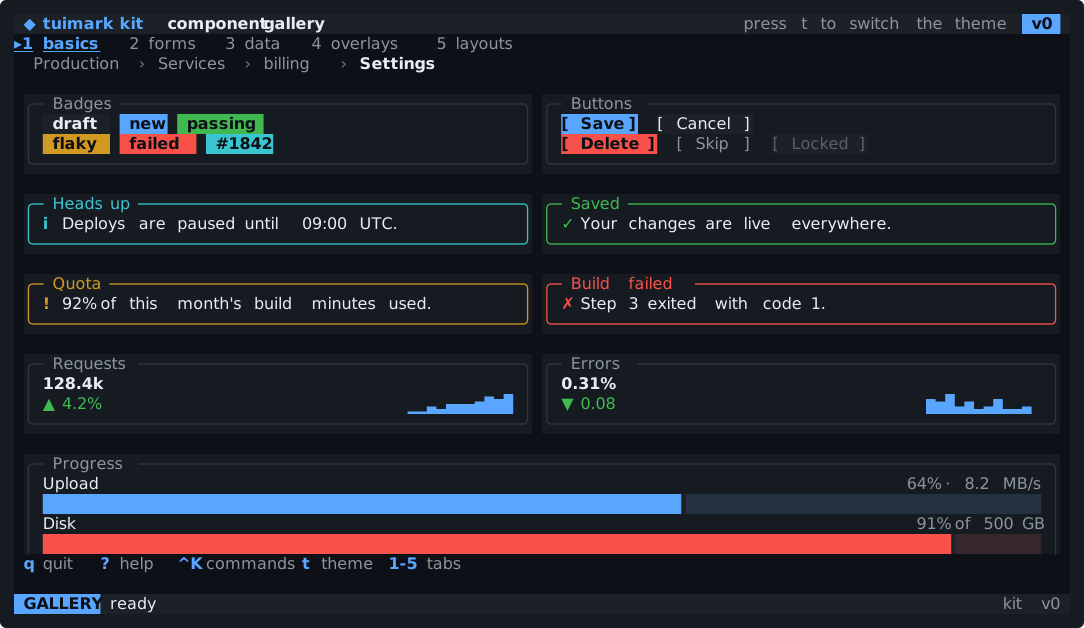
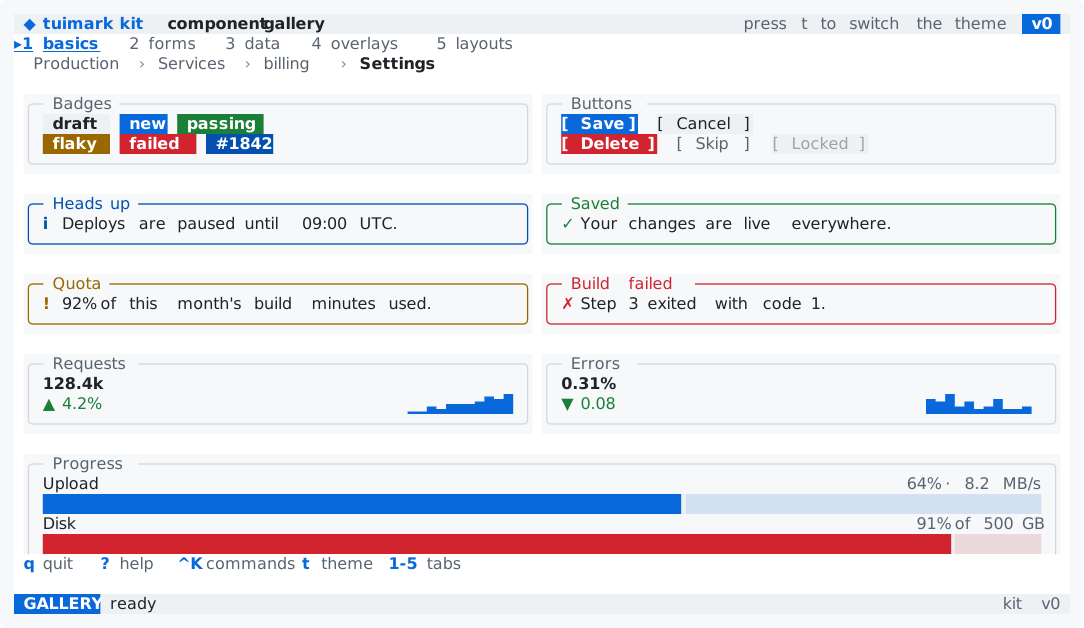
examples/kit-gallery: every component in one app, on five tabs.
Copy it, own it
The kit follows the shadcn idea. It is not a package and there is nothing to import. You copy the files you need into your project, and from then on they are yours: if a card should look different, you edit your copy.
It lives in the repository's kit/ directory:
theme.tcssholds the design tokens, dark and light, on top of the ten tokens the runtime itself requires;kit.tcssholds the component classes, all namedk-something;components/NAME.tuiis one small, valid document per component, with aNAME.sample.jsonbeside it when it reads data.
Load the two stylesheets first and your own last. TCSS has no @import, so a document lists the sheets it uses, and where two rules tie, the later one wins. That is how you rebrand the whole kit: every color is a token in :root, so your sheet only re-declares the ones you want to change.
<tui theme="auto">
  <style src="theme.tcss"/>
  <style src="kit.tcss"/>
  <style src="app.tcss"/>
  ...
</tui>
No new language
The kit adds no tag, no attribute, and no CSS property. A component is ordinary markup with class names, ids, and action names that follow three conventions:
- classes are
k-<component>andk-<component>-<part>, with short modifiers such asprimaryordangerused only next to them; - ids are
instance__part, sodeploy__gois thegobutton of thedeploycard; - actions are
component_verb, such asdialog_confirmorpalette_run, so a host can route them by prefix.
Each component file starts with a contract, a comment that says what it reads from the data, which actions it fires, which keys it binds, and which other kit classes it needs. Everything a host must provide is in that one line.
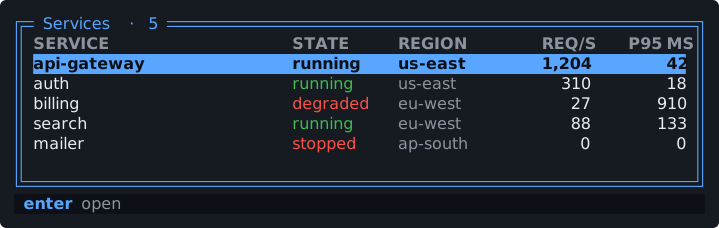
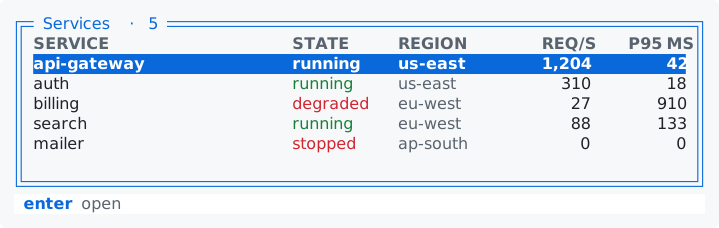
Because a component is a document, it can be tried before it is copied. Each one validates and runs on its own:
tuimark validate kit/components/table.tui --data kit/components/table.sample.json
tuimark run kit/components/table.tui --data kit/components/table.sample.json
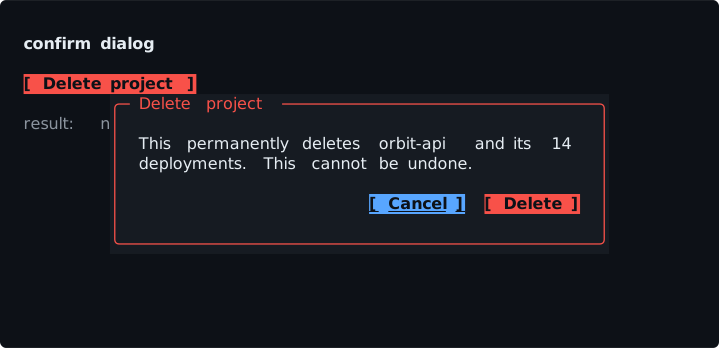
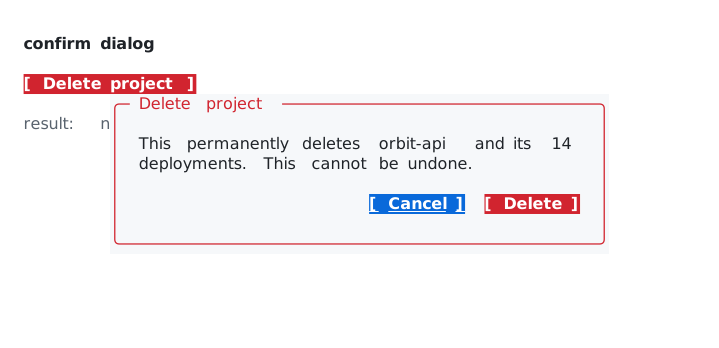
The kit components page shows all twenty-one this way, rendered by tuimark play in the dark and light themes, with the markup of each.
The parts markup cannot do
Markup has no expressions, so some components lean on the host. A toast has to disappear after a few seconds, the command palette has to filter its list as you type, a form has to validate its fields, and a dialog's answer has to reach the code that opened it. The kit ships that code too, as helpers in Go (kit/go) and in TypeScript (kit/ts):
toasts, a capped queue of notices that expire;filterandsortpage, substring or fuzzy filtering, column sorting, and pages;form, per-field rules that write each field's error and the form's validity;dialogandroute, which route a dialog's answer, or any event, by the instance that fired it;palette, a command registry;async, loading and error state for slow work;format, bytes, durations, relative times, and percentages.
Like the components, they are files you copy and own, not a dependency. A Go helper imports only the Tuimark package, and a TypeScript helper imports only types from @thelacanians/tuimark. Each one has tests, and the Go tests of the toasts, forms, dialogs, palette, and sorting load the real component documents and drive them.
Two apps built on it
examples/kit-gallery puts every component in one app on five tabs, with a Go host that routes events by their prefix and tests that hold every document to the kit's conventions. examples/containers is a container-engine dashboard built only from kit components: a filterable, sortable table with multi-select, a detail pane with sparklines and a log, confirm dialogs, a command palette, a help overlay, and toasts, over a simulated engine.
Start from the kit components page, pick one, and copy it. The kit guide has the tokens, the conventions, and every helper in detail.